

How to connect Google Analytics 4 to Metriflow
Connect GA4 to see your website traffic, by source, medium and campaign, next to the CRM leads and revenue each campaign brought.
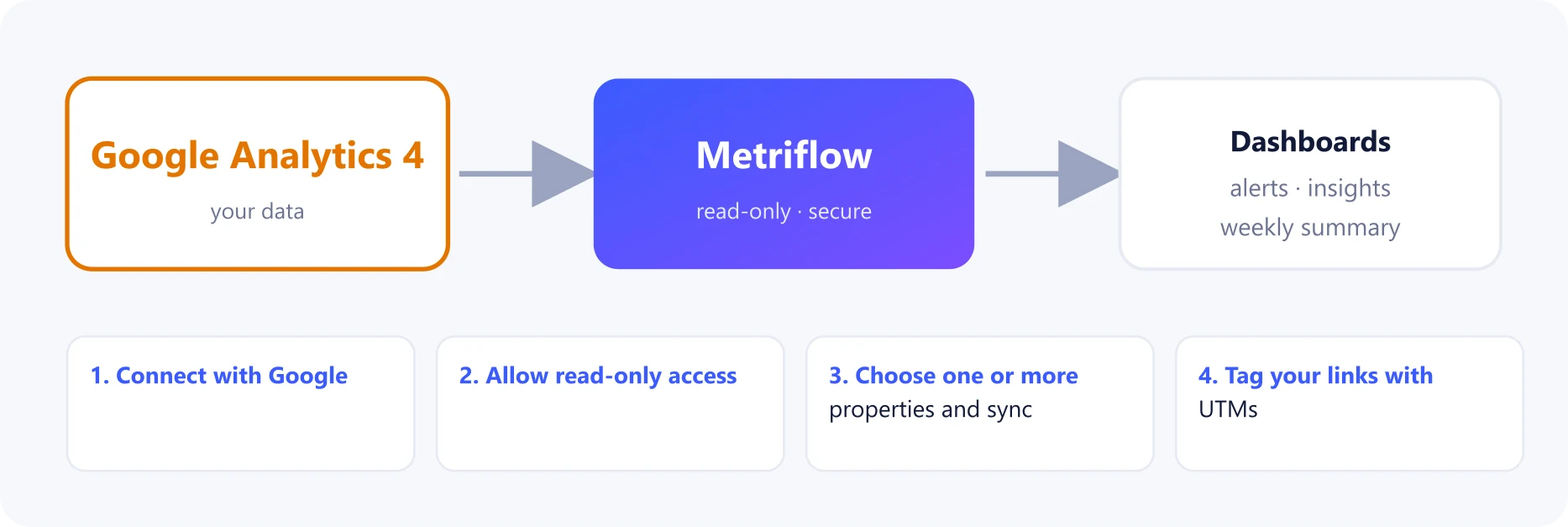
What you get
- Website sessions and key events per day, by source, medium and campaign.
- A Website traffic by campaign table, with a session-to-lead rate, on the Analytics page.
Before you start
- A Growth or Business plan.
- At least Viewer access to the GA4 property (or properties) — for example your website and your web app.
- The Google account that has that access. It doesn't have to be the account you sign in to Metriflow with.
Step by step
1Connect with Google
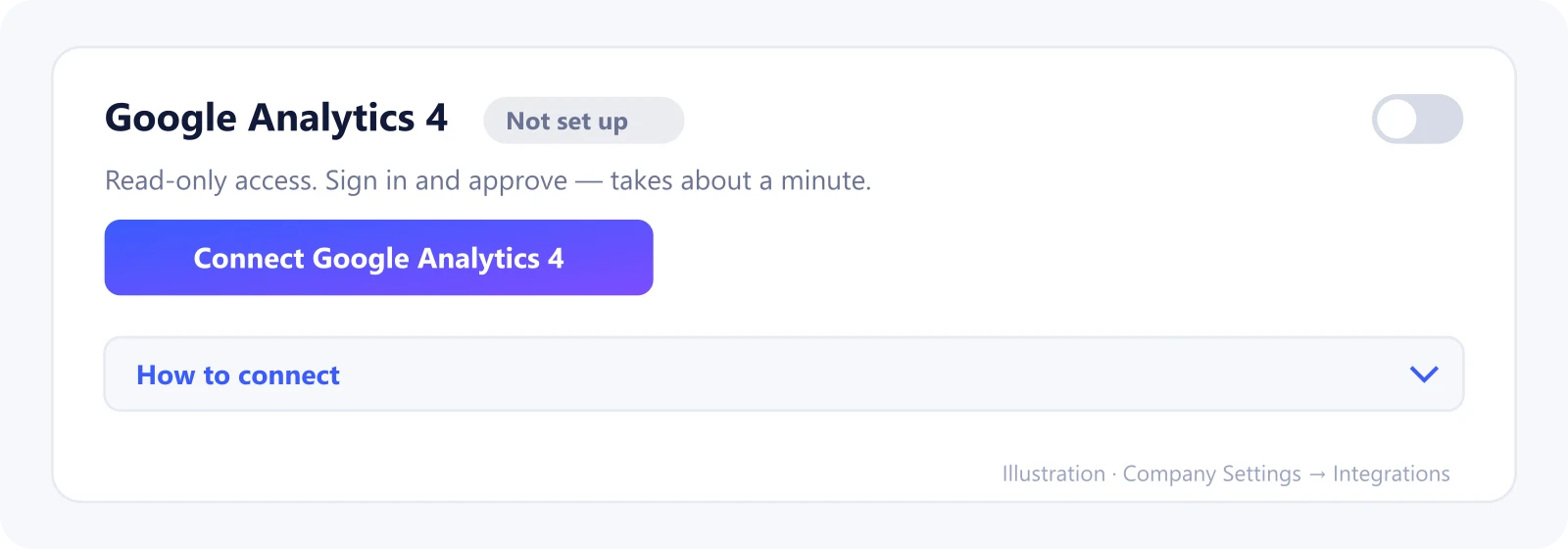
Go to Company Settings → Integrations, find the Google Analytics 4 card under Ads & analytics, and click Connect Google Analytics 4.
Sign in with the Google account that has access to your GA4 properties.
2Allow read-only access
Google asks you to allow Metriflow to see and download your Google Analytics data. It's read-only: Metriflow can't change anything in GA4.
Tick the permission and click Continue. If Google shows a 'Google hasn't verified this app' notice, click Continue — it appears while Google's review of the app is pending.
3Choose one or more properties and sync
Back in Metriflow, click Choose next to Property. Every GA4 property your Google account can see is listed.
Tick each property to include — for example your website and your app. Their traffic is added up. Click Save.
Click Sync now. The first sync brings in the last 180 days; after that it runs every day. To add or remove a property later, click Change.
4Tag your links with UTMs
Metriflow matches traffic to CRM campaigns by the utm_campaign name. Use the same campaign name in your UTMs and your CRM.
What Metriflow reads
- Daily sessions and key events by source, medium and campaign name. No user-level data.
Questions
Do you read individual visitors?
No. Only aggregated daily totals are read.
Can I connect more than one property?
Yes. Tick every property you want, for example your website and your app. Metriflow adds their sessions up and keeps each property separate behind the scenes.
We use Google Tag Manager. What do we connect?
Connect Google Analytics 4. Tag Manager only places tags on your site; the traffic data itself lives in GA4, so that is what Metriflow reads.
Privacy and security
Read-only, aggregated data. Disconnecting deletes the synced traffic data. Privacy Policy
Related guides
Ready to connect?
Sign in and go to Company Settings → Integrations. Questions? Contact us.
Open Integrations