

How to connect your CRM through an MCP server
If there's no direct connector for your CRM, or your organization won't approve a new app, Metriflow can read your CRM through an MCP server you already run. Metriflow calls the server's tools directly from code, with no AI in between, and brings the data into the same dashboards.
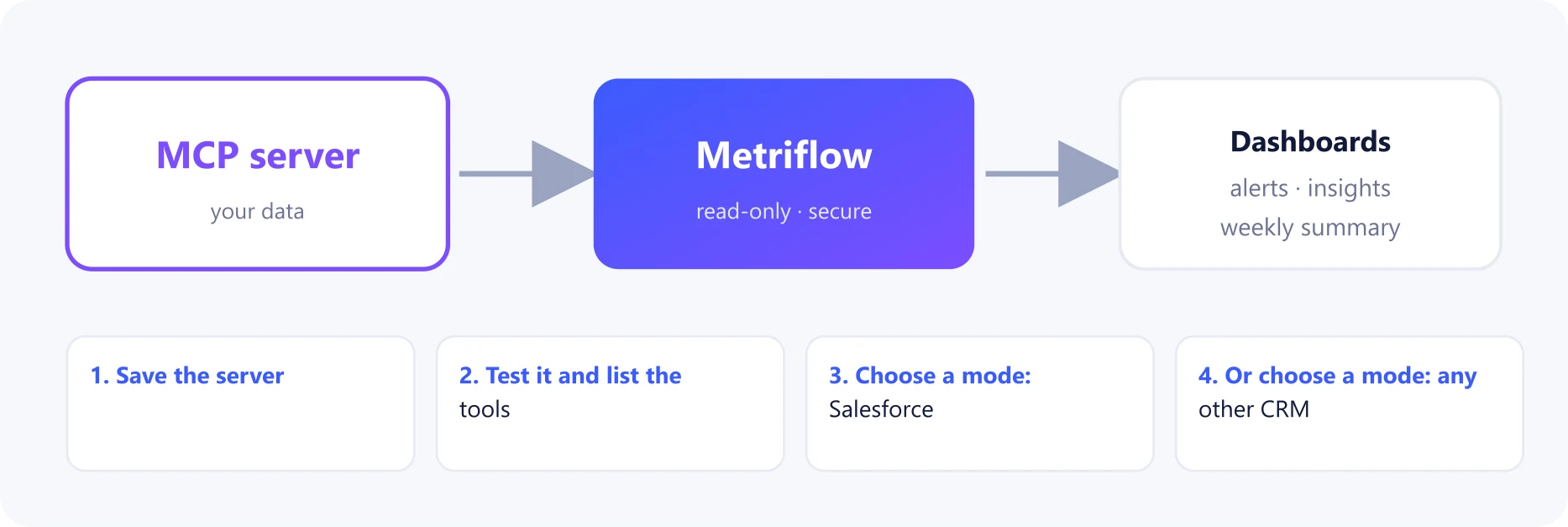
What you get
- The same dashboards, alerts and summaries as with a direct connection.
- For Salesforce, if the server has a SOQL query tool: the full Salesforce sync, including status history.
- For any other CRM: you map which tool returns users, leads, deals and activities.
Before you start
- An MCP server for your CRM, reachable over https from the internet (Streamable HTTP).
- Its URL, and an access token if it needs one.
- For the mapping: someone who knows what the server's tools return.
Step by step
1Save the server
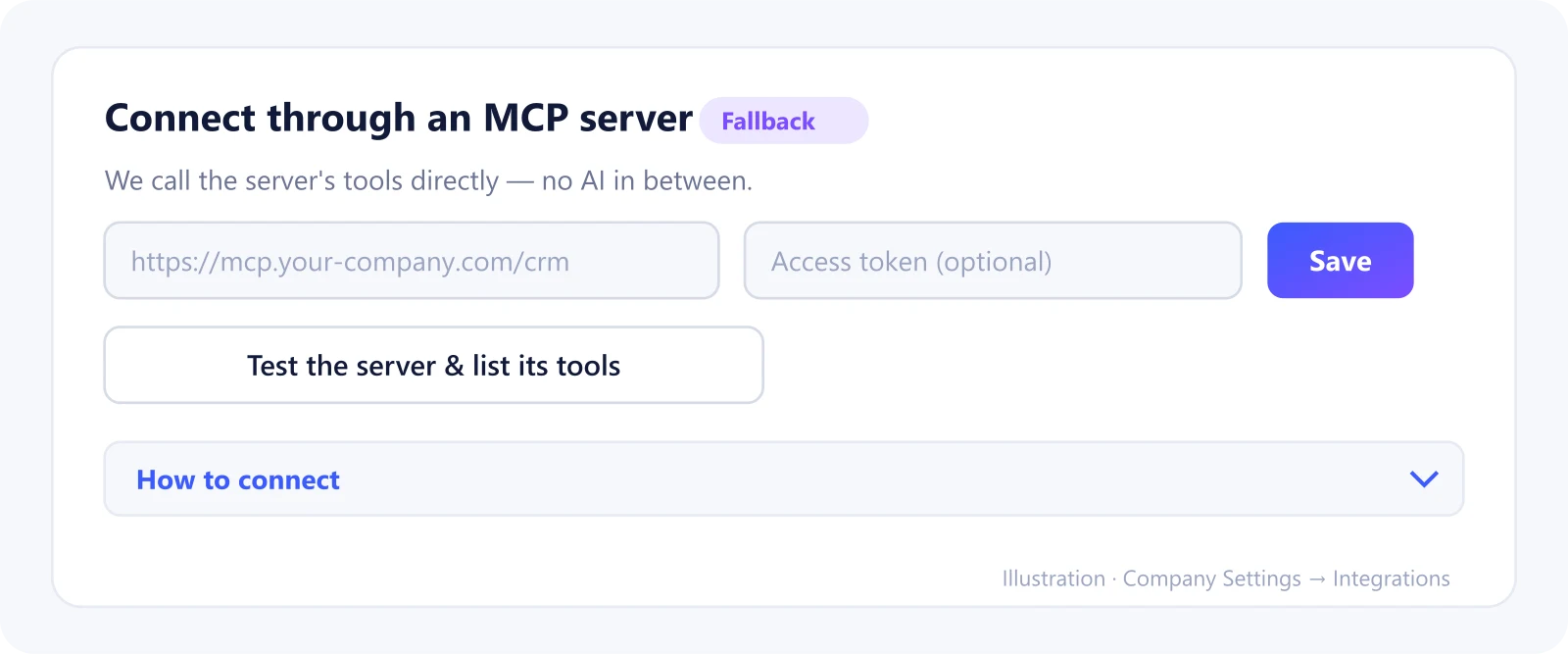
Go to Company Settings → Integrations → CRM connection → Connect through an MCP server.
Enter the server URL and the access token (if any), and click Save. The token is stored encrypted.
2Test it and list the tools
Click Test the server & list its tools.
Metriflow connects, shows the server's name, and lists every tool with its arguments.
3Choose a mode: Salesforce
If the server has a tool that runs SOQL queries, choose 'Salesforce — the server has a SOQL query tool'.
Pick the tool and its query argument (usually 'query'). Metriflow then runs its full Salesforce sync through that tool.
4Or choose a mode: any other CRM
Choose 'Another CRM — map the tools myself' and fill in the mapping. For each object (users, accounts, leads, deals, activities) you set:
• the tool and its arguments ({{since}} is filled in with the last sync time);
• where the records are in the result (path);
• which record field is which (fields), and optionally a cursor for paging.
5Preview, save and sync
Click Preview data to see real records exactly as Metriflow will read them.
When they look right, click Save mapping and then Run first sync. From then on, the CRM syncs every day.
What Metriflow reads
- Only what the mapped tools return: users, accounts, leads or contacts, deals and activities.
- Calls go straight from Metriflow to your server, with no AI model involved.
Questions
Does it work with any MCP server?
It works with servers using the standard Streamable HTTP transport and reachable over public https. Local or private-network addresses aren't accepted.
Is an AI model reading our data?
No. Metriflow calls the tools directly from code. AI insights are a separate, optional feature using your own Claude account.
What if our server has no paging?
Paging is optional. Without it, Metriflow reads what each tool returns per run, filtered by the last sync time.
Privacy and security
The token is encrypted, the server must be on https, and only the data the mapped tools return is read. You can change the mapping or disconnect at any time. Privacy Policy
Related guides
Ready to connect?
Sign in and go to Company Settings → Integrations. Questions? Contact us.
Open Integrations