

Ads & analytics
How to connect LinkedIn Ads to Metriflow
Connect LinkedIn Ads to see your Campaign Manager spend next to the leads and deals it brought.
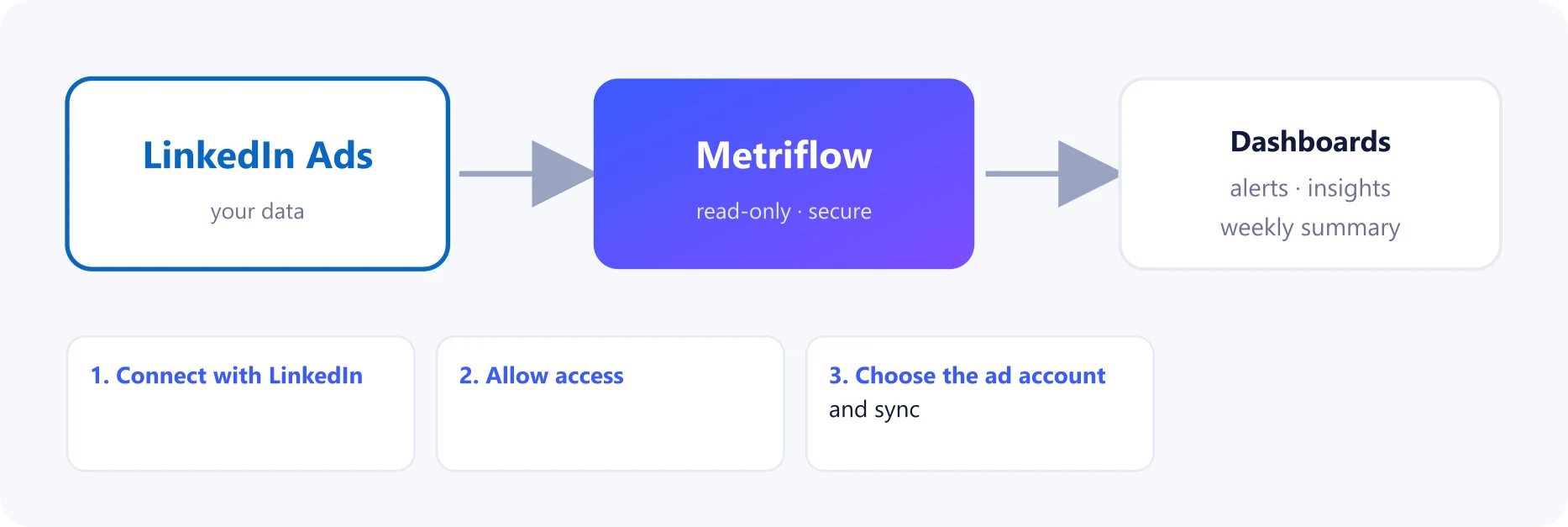
What you get
- Daily spend, clicks, impressions and website conversions per campaign.
- Cost per lead and per SQL for LinkedIn campaigns.
Before you start
- A Growth or Business plan.
- A role on the LinkedIn Campaign Manager ad account. Viewer is enough.
Step by step
1Connect with LinkedIn
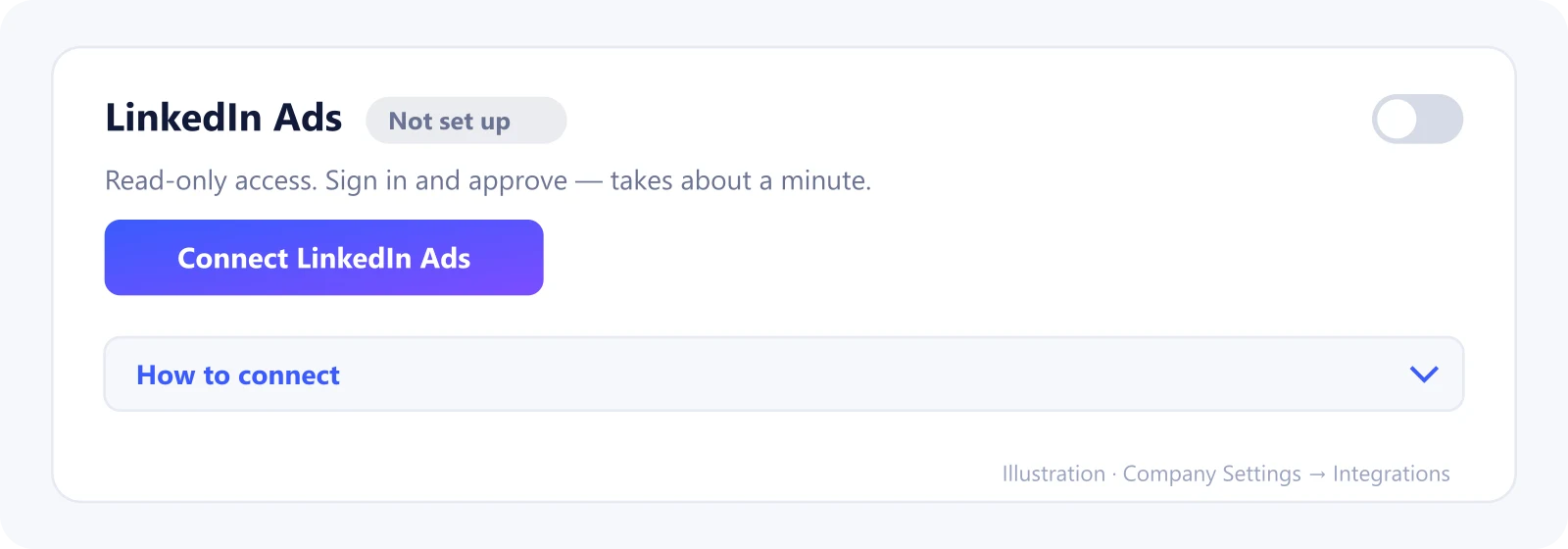
Go to Company Settings → Integrations → LinkedIn Ads and click Connect LinkedIn Ads, then sign in.
2Allow access
Allow read access to your ad accounts and reporting.
3Choose the ad account and sync
Back in Metriflow, click Choose, pick the ad account, then click Sync now.
What Metriflow reads
- Campaign names, and daily spend, clicks, impressions and website conversions.
Questions
Which LinkedIn role do I need?
Any role on the ad account, including Viewer.
Privacy and security
Read-only access. Disconnecting deletes the synced LinkedIn data. Privacy Policy
Related guides
Ready to connect?
Sign in and go to Company Settings → Integrations. Questions? Contact us.
Open Integrations